Aero Bubble
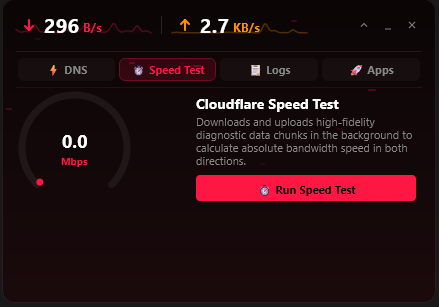
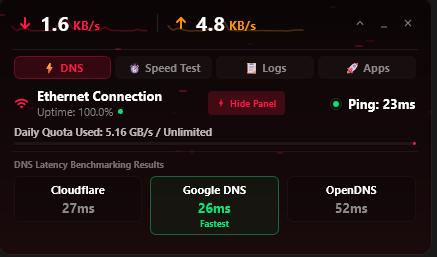
Meet AeroBubble: The Sleek Desktop Floating Utility for Windows
Looking for a lightweight, seamless floating tool for your PC? AeroBubble is officially available on the Microsoft Store, bringing quick utility and modern Windows styling right to your screen.
PC multitasking works best when tools stay out of your way until you actually need them. AeroBubble is designed specifically for Windows users who want fast, minimal, and non-intrusive screen utility without unnecessary background resource hogging.
Key Highlights
⚡ Lightweight Performance
Minimal CPU and RAM footprint. Keeps your PC fast and responsive even under heavy multitasking.
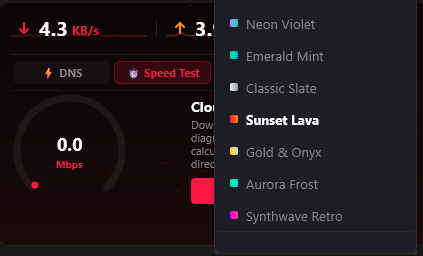
✨ Fluent & Modern Look
Clean visuals and subtle animations crafted to match the native Windows 11 / Windows 10 desktop theme.
🎯 Floating Convenience
Stays effortlessly accessible as a floating utility, leaving your taskbar and primary workspace clutter-free.
🛡️ Verified Microsoft Store Safety
Scanned, verified, and delivered securely through Microsoft Store with automatic background updates.
Designed for Modern Windows Desktops
Whether you are streaming, working on projects, or managing daily tasks on Windows, AeroBubble stays right where you need it without obstructing your workflow.
Get AeroBubble on Your PC
Direct, safe, and 1-click download from the official Microsoft Store.
Download from Microsoft Store